I am passionate about building things and learning new things. I was inspired by Rost Glukhov and Simon Willison, to record and share what I’ve learnt. I set myself a goal to create a blog infrastructure that was low maintenance and easy to use.
Welcome to a meta-post about how I created my blog which is hosted at https://vanmahajan.de and https://divyavanmahajan.github.io/.
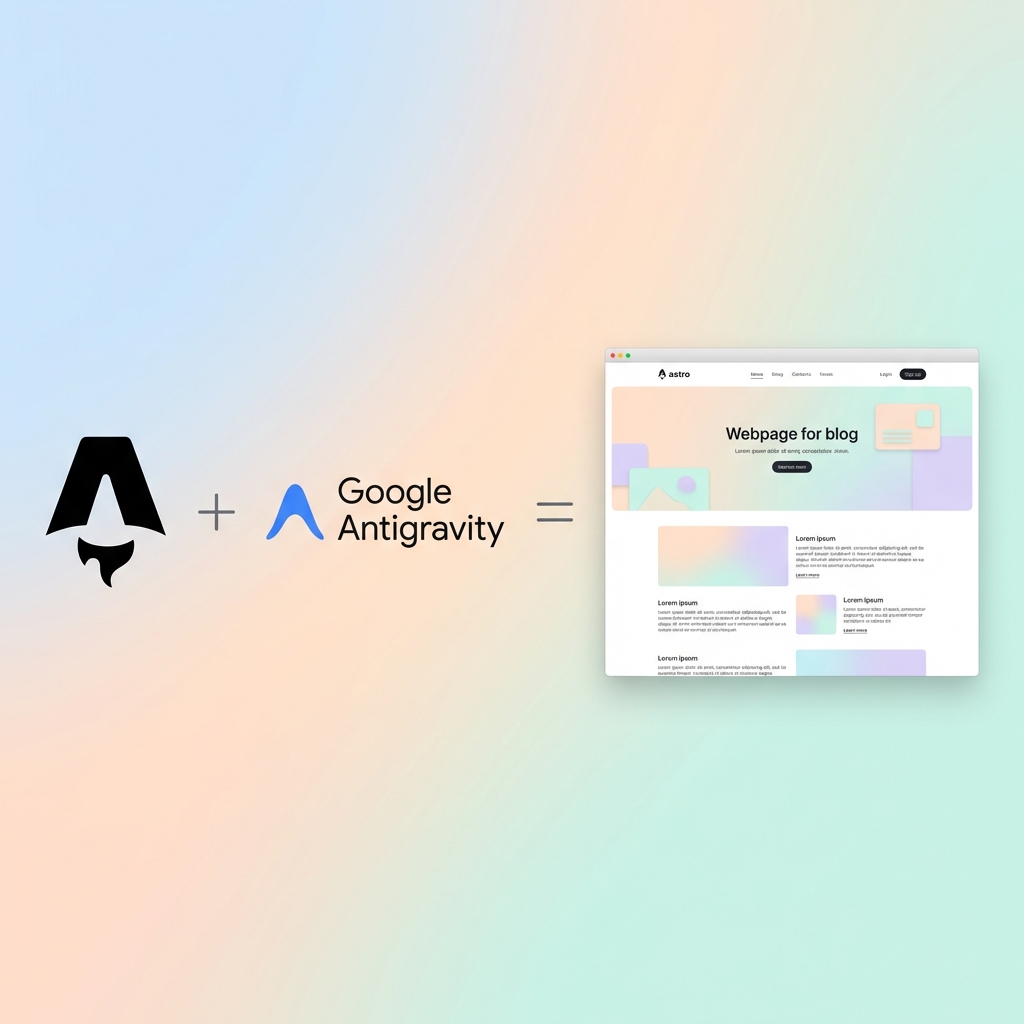
I used Antigravity to build this blog using a structured vibe-coding approach. The blog was carefully specified, architected, and then built with Antigravity. Here is the story of how it came to be.
Specification Grounding
I started by working with Antigravity to create a spec.md file. This used a structured approach to define the requirements for the blog. This approach is outlined in https://cursor.com/blog/agent-best-practices which describes the process of working with an AI agent to build a product.
- Ask clarifying questions about your requirements
- Create a detailed implementation plan with file paths and code references
- Wait for your approval before building
I used the prompts from https://unstract.com/blog/specification-grounding-vibe-coding/ for this process. As the page suggests “Your first job as someone engaging in LLM-powered development is to counter their eagerness by “grounding” the LLM with specifications that are as tight as possible. Turns out, this works like magic and can be the difference between a “runaway app” that the LLM has created ,which is far from what you need, and an app that is the stuff of your dreams.”.
The approach allowed me to define exactly what this blog should be and get Antigravity to refine it by asking clarifying questions and providing suggestions. So before writing a single line of code, I defined exactly what this blog should be. I wanted a lightweight, easy-to-manage site that prioritizes performance.
Key requirements from the Spec:
- Workflow: Direct markdown editing in VS Code. No complex headless CMS.
- Theme: A clean, “Mainroad” inspired design with a high-contrast navigation bar and a content-focused layout.
- Structure: A clear hierarchy with Categories (like “Coding”) and Tags for easy navigation.
- Deployment: Automatic deployment to GitHub Pages and Cloudflare Pages.
- LinkedIn Integration: Manual sharing of new posts to LinkedIn.
The Architecture
I chose Astro for its “Zero JS by default” philosophy. This ensures the site is incredibly fast.
Core Stack
- Framework: Astro v4
- Styling: Vanilla CSS with scoped components. Also see Styling Doc.
- Content: Type-safe Markdown using Astro Content Collections.
As detailed in our Architecture Doc, the project structure is organized to keep content separate from logic:
src/
├── components/     # UI building blocks (Header, Sidebar)
├── content/        # Markdown posts live here
├── layouts/        # Page wrappers
├── pages/          # File-based routing
└── styles/         # Global styles
Deployment
We designed a robust multi-target deployment pipeline. The site is automatically built and deployed to GitHub Pages (our primary host) and Cloudflare Pages simultaneously whenever code is pushed to the main branch. At the same time, LinkedIn formatted markdown is also generated in the linkedin directory.
The Authoring Workflow
As a user, you can simply add a new markdown file to src/content/blog/ and the deployment workflow will automatically build and deploy the site to both GitHub Pages and Cloudflare Pages. But I have a poor memory, so it made sense to write a user manual. As described in the User Manual, creating a post is as simple as adding a new Markdown file to src/content/blog/.
---
title: "My New Post"
description: "A short summary."
pubDate: 2024-01-20
categories: ["Coding"]
---
Astro’s content collections validate this frontmatter automatically, ensuring we never accidentally break the build with a missing date or title.
The Deployment Workflow
The deployment workflow is handled by GitHub Actions, which is configured in the .github/workflows/deploy.yml file. The workflow is triggered on every push to the main branch and builds the site using Astro, then deploys it to both GitHub Pages and Cloudflare Pages.
Currently accessible at https://divyavanmahajan.github.io/ and https://vanmahajan.de.
Accessing the Local Site Externally
During development, you might want to access your local Astro dev server from another device or share it with others. SSH tunneling services like tuns.sh make this easy, but Vite (which powers Astro’s dev server) blocks requests from unknown host headers by default.
To allow external access through a custom domain, add the domain to Vite’s allowedHosts configuration in astro.config.mjs:
export default defineConfig({
    site: process.env.SITE || 'https://divyavanmahajan.github.io',
    base: process.env.BASE || '/',
    vite: {
        server: {
            allowedHosts: ['picodvm-blog.tuns.sh', '.tuns.sh', 'localhost', '127.0.0.1'],
        },
    },
});
Then start a SSH tunnel to access this local site from the internet using tuns.sh, which is a great tunneling service that uses SSH. The tunnel URL is picodvm-blog.tuns.sh:
ssh -R blog:80:localhost:4321 ash.tuns.shThe allowedHosts configuration explicitly allows requests with the tunnel’s host header, preventing the “Blocked request” error that would otherwise occur.
Adding Search Functionality
One feature I wanted was a working search to help readers find content. The sidebar had a disabled search input that was just a placeholder, so I asked Antigravity to implement it.
Implementation Approach
Rather than adding a heavy search library, we went with a lightweight client-side solution:
- Search Component (
Search.astro): A custom component that filters posts in real-time - No Dependencies: Uses vanilla JavaScript with debounced input (300ms)
- Search Scope: Searches through post titles and descriptions
- User Experience: Dropdown results with highlighted matches, keyboard support (Escape to close)
The implementation collects all published posts at build time and passes them to the client-side script. When users type, the search filters posts and displays up to 5 results with matching text highlighted in yellow.
Why This Approach?
For a small blog with a limited number of posts, client-side search is perfect:
- Fast: No server requests needed
- Simple: No external dependencies or build-time indexing
- Maintainable: Easy to understand and modify
- Sufficient: Searching titles and descriptions covers most use cases
If the blog grows significantly, we could upgrade to a more robust solution like Pagefind, but for now, this lightweight approach works great.
Research and Continuous Learning
As I continue to build and refine this blog, I’m constantly looking at how others are using modern tools to solve similar problems. Recently, I came across an article about porting applications to Cloudflare Workers using an AI-assisted “vibeporting” approach.
This mirrors my experience with Antigravity: the ability to move existing server-side logic (like Python or Rails) to the edge by leveraging AI to handle the bulk of the re-architecting work. I’ve summarized my takeaways from this in a Today I Learned (TIL) post.
Conclusion
Building this blog with Antigravity was an interesting exercise. On one hand Antigravity is rapidly able to create 90% of the code and site, but it struggled trying to correct the CSS styling. If it was a person, I would be scratching my head, wondering how such a smart programmer struggled with simple problems but did great at complex problems. Switching the models gets you a different programming persona, so mixing them up is a good idea. Cursor does a better job at not getting stuck. I had to step in an hint or increase to a thinking model to get Antigravity to move along.
In the end, it was a good experience and I am happy with the result.
By keeping the blog simple, typed, and automated, I can focus on what matters most: the content.
The Future
I plan to continue using Astro for this blog, and I will keep updating it with new posts and features. I will also continue to use GitHub Actions for deployment, and I will keep using Cloudflare Pages for hosting.